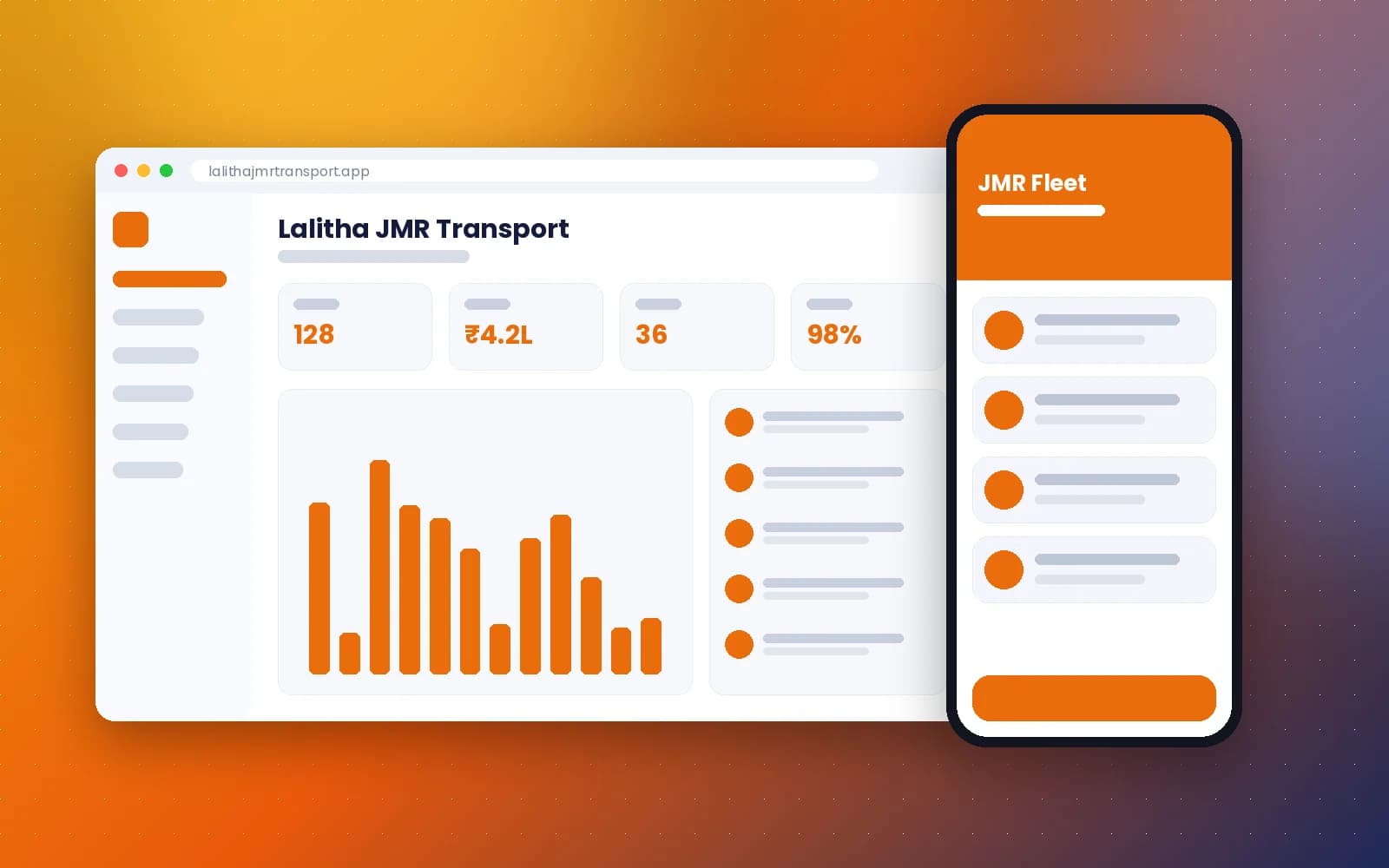
Building separate apps for Android, iOS and the web used to be the default. Today, for most business applications, it is an expensive habit.
Why we reach for Flutter
Flutter compiles to native code on mobile and renders consistently on the web. For operations-heavy products — booking consoles, field-staff apps, dashboards — that consistency matters more than platform-specific flourishes.
- One team, one release cycle. Features land on every platform at the same time.
- Shared business logic. Validation, pricing rules and API clients are written once.
- Consistent UI. Your brand looks identical on a phone and a desktop browser.
When we recommend native instead
Flutter is not the answer to everything. Apps that depend heavily on cutting-edge platform APIs, complex AR or very large public web content (where SEO matters most) are often better served with native code or a dedicated web framework.
How we structure a Flutter suite
We separate the codebase into a domain layer, a data layer and presentation layers per platform. Role-based navigation lets the same app serve operators on the web and drivers on mobile, while a single Node.js API keeps data in sync.
The takeaway
If your product is a workflow tool used by your own team and customers, a single Flutter codebase can cut delivery time and maintenance cost significantly — without compromising the experience.